Remote Desktop by Threadmark
Your computer.
Right here.
See, hear, and control your Mac or Windows PC from your iPhone, iPad, or Android device. Directly, privately, and without a monthly fee.
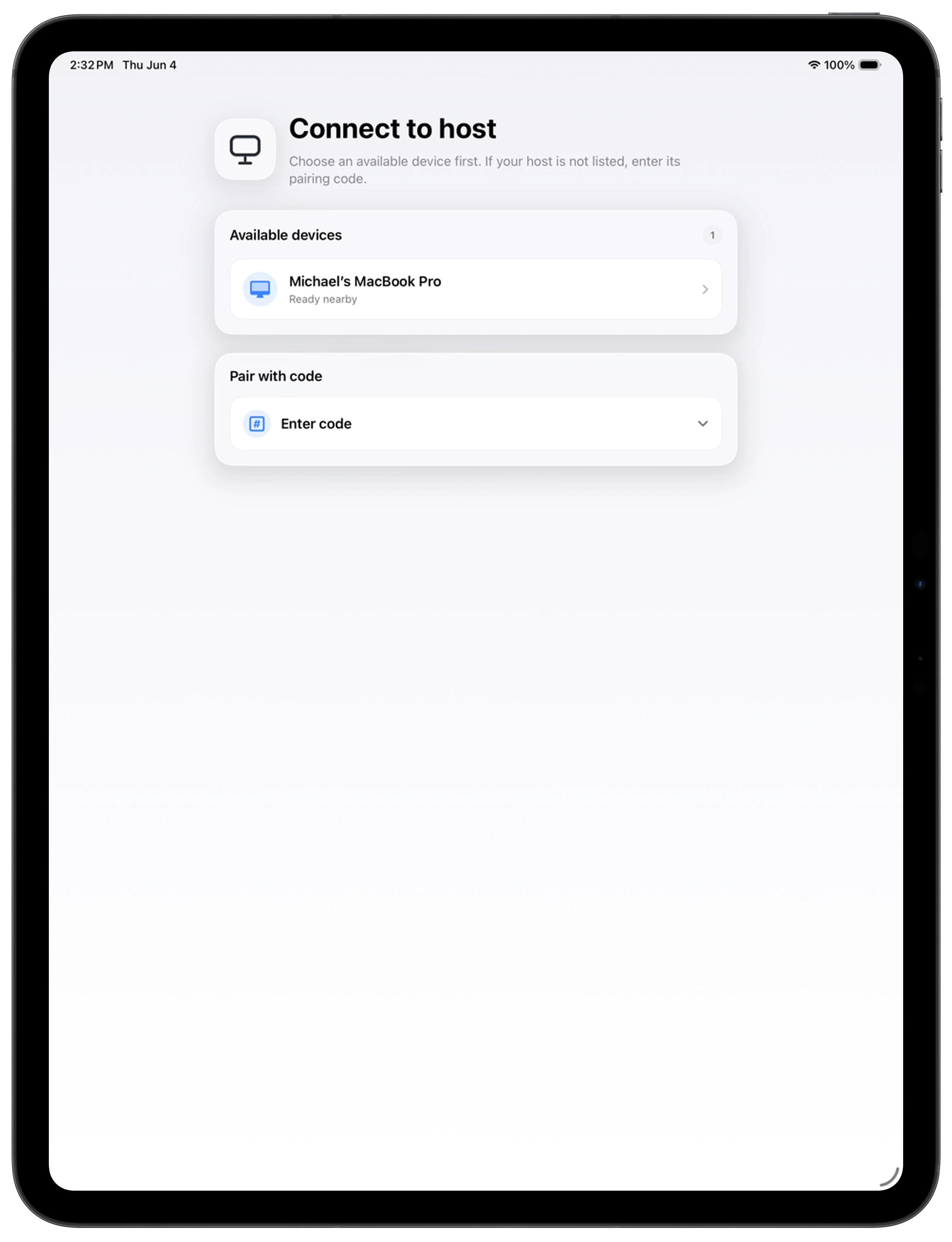
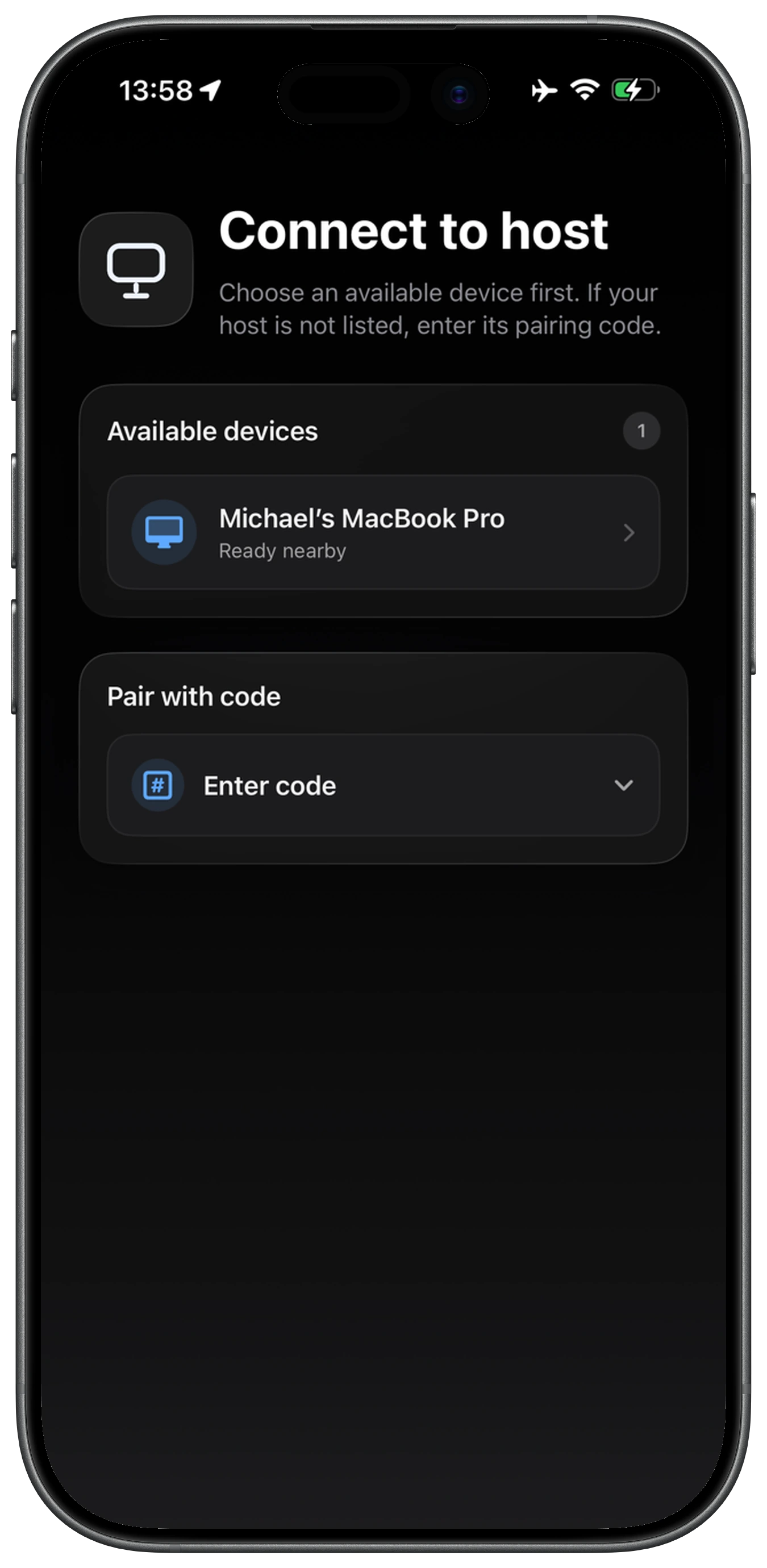
See it in action.
From the first download to a live connection. A 46-second look at Remote Desktop on Mac and iPhone.
Get connected
Your computer.
Your favorite device.
Start with the Remote Desktop app on your phone or tablet, then install the free companion host on the computer you want to control.
iPhone and iPad
Get Remote Desktop for your iPhone or iPad.
View on the App StoreAndroid phones and tablets
Get Remote Desktop for your Android device.
Get it on Google PlayMac and Windows
Install the companion host on the computer you want to control.
Download the hostMake yourself
at home. Anywhere.
Explore Remote Desktop’s features, setup, and privacy.